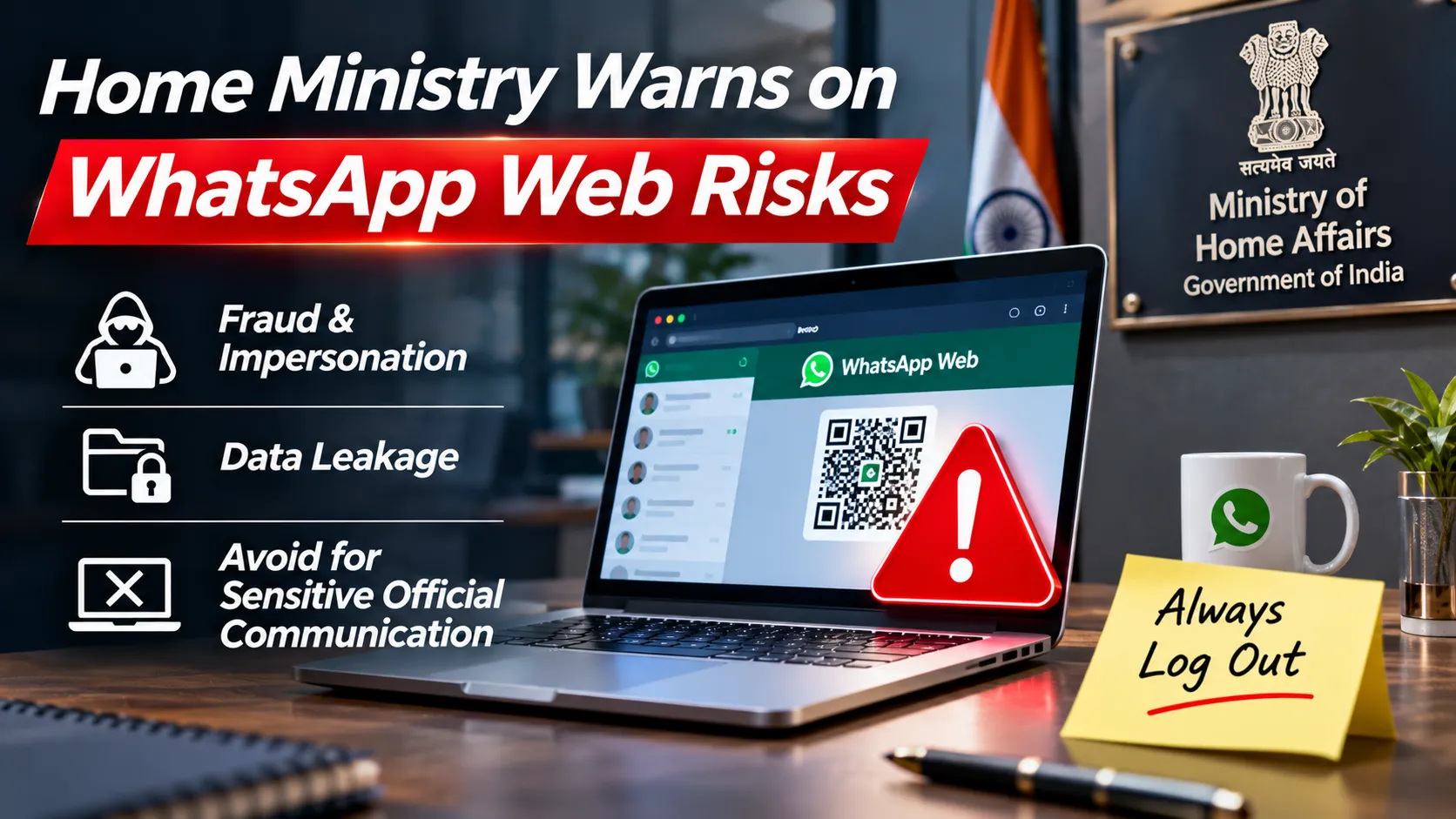
It is one of the most convenient tools in modern office life. India's Home Ministry now says it is also one of the riskiest.
The cybercrime unit of the Ministry of Home Affairs issued an advisory on Monday, November 23, warning users against using WhatsApp Web for sensitive official communication and urging them to always log out after using the service, ANI reported. The advisory flagged risks including fraud, impersonation and the leakage of confidential information.
Several reports linked the warning to an investigation into a Pakistan-linked espionage case in which unattended or compromised WhatsApp Web sessions were allegedly exploited, according to Gujarat Samachar and Social News XYZ.
What the advisory says
The central message of the advisory is simple: "Always log out," according to ANI. WhatsApp Web allows users to access their WhatsApp account from a computer browser by linking it to their phone. Once linked, the session can remain active on the computer for extended periods, even when the user is not present.
If someone else gains access to that computer, whether a colleague, an intruder or malware, they can read messages, view files and even send messages in the user's name. This creates opportunities for data theft, impersonation and fraud.
The advisory urges users, particularly government officials, not to use WhatsApp Web for sensitive or official communication, according to IBTimes India.
The espionage angle
Reports said the advisory followed an investigation into espionage linked to Pakistan, in which attackers allegedly gained access to sensitive information through WhatsApp Web sessions on compromised or unattended computers. The Home Ministry has not published full details of the case.
Espionage operations increasingly target messaging apps because they are widely used for both personal and professional communication, including by officials who may share documents, photographs and discussions about sensitive matters.
How WhatsApp Web sessions can be hijacked
Security experts say there are several ways in which WhatsApp Web sessions can be misused. An attacker with brief physical access to an unlocked computer can link the victim's account by scanning a QR code with their own device, or simply read an already open session. Malware installed on a computer can capture screen contents or access browser data.
Phishing attacks can trick users into scanning QR codes that link their accounts to an attacker's device. Shared or public computers, such as those in cybercafes or offices, are particularly risky if users forget to log out.
Practical recommendations
The advisory and related guidance recommend several precautions. Users should log out of WhatsApp Web after every session, especially on shared or office computers. They should regularly check the list of linked devices in the WhatsApp app on their phone and remove any they do not recognise.
Users should avoid scanning QR codes from unknown sources, be cautious about links and attachments from unfamiliar senders and keep their devices and browsers updated. Enabling two-step verification on WhatsApp adds an additional layer of protection.
For official communication involving sensitive information, government employees are encouraged to use secure, government-approved communication platforms rather than consumer messaging apps.
Earlier warnings
This is not the first time Indian authorities have raised concerns about WhatsApp Web. The Ministry of Electronics and Information Technology's Information Security Education and Awareness (ISEA) team previously warned against using WhatsApp Web on office computers, noting that employers' monitoring tools, malware and unsecured networks could expose personal chats and files.